Google Wallet Loyalty Cards in 2026: What Changed and Why It Matters
Google redesigned every loyalty pass, opened location reminders to all pass types and keeps adding ways to enrol. What that means for a local loyalty program.
Most of the conversation about wallet passes is about Apple Wallet. In the markets where Loyaltree operates, that is the smaller half of the story.
StatCounter's mobile figures for mid-2026 put Android at roughly six in ten phones in the Netherlands and about seven in ten in Greece. In the United Kingdom and Ireland the two platforms are close to even.
So for a café in Rotterdam or a salon in Thessaloniki, the Google Wallet version of a loyalty card is the one most customers will actually carry. And 2026 has been the busiest year for Google Wallet passes in a long time.
This article walks through what changed, what a loyalty pass can do on Android today, and what a local business should check as a result.
The pass looks different since September
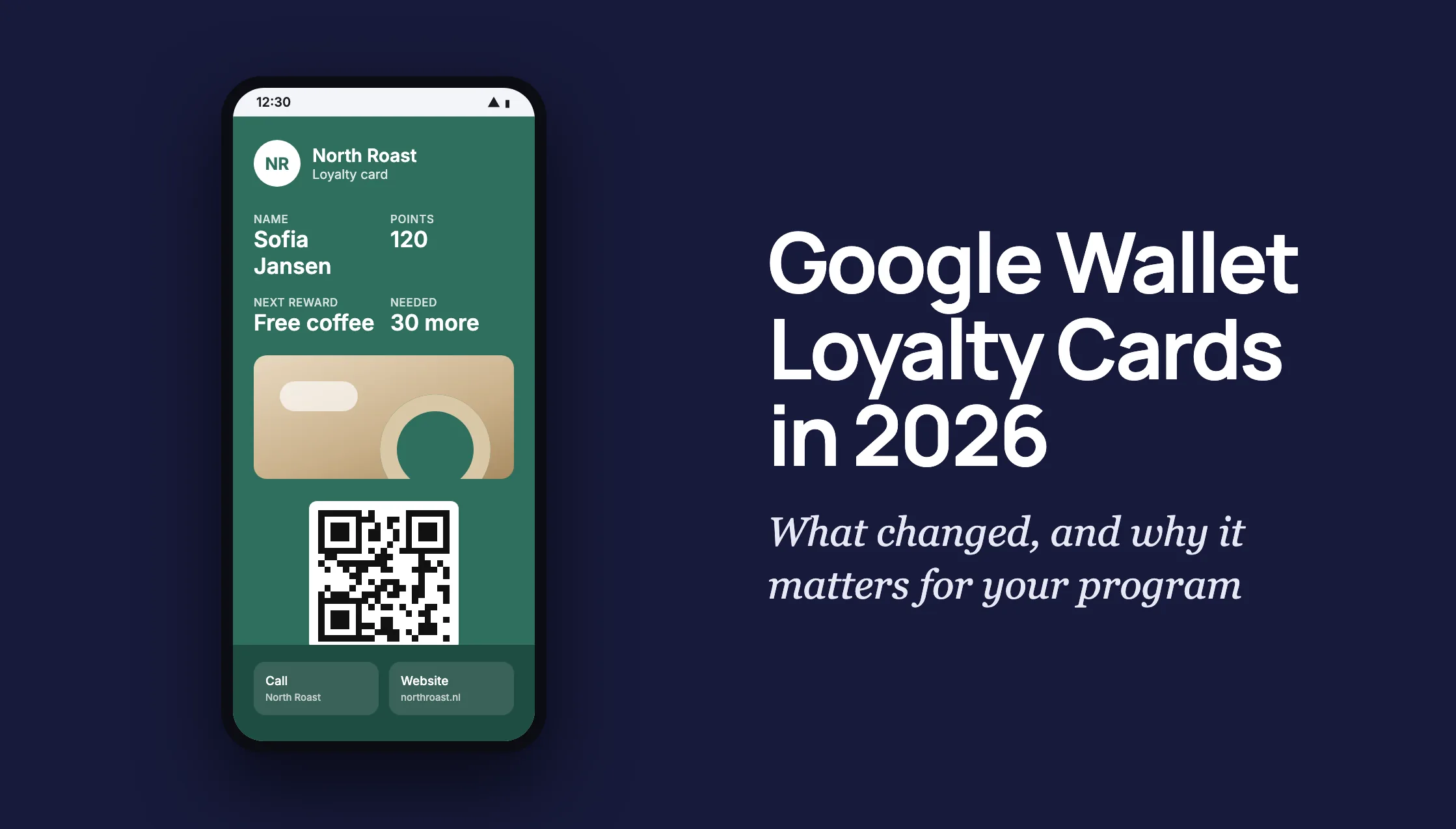
Google previewed a new pass design at I/O in May 2026 and started rolling it out widely in September. It applies to every loyalty card in Google Wallet, including cards customers added by hand, while transit cards still use the old layout.
An opened pass now fills the screen. The background takes the brand's primary colour, and the extra actions a business attached to the pass, such as calling the shop or opening its website, appear when the customer scrolls down. Nicknames and other preferences moved into a dedicated settings screen.
The rollout is handled on Google's side. A business does not need to reissue anything. What does change is how much the artwork matters.
The hero image used to be a thin strip. In the new layout it is a full-width image under the data fields, and Google's loyalty guidelines now recommend a near-square PNG of 1032 by 812 pixels. The same guidelines ask for a transparent background so the brand colour shows through, and for no text inside the image, because text in an image cannot be translated.
If a loyalty pass was designed around the old thin banner, now is the moment to look at it on an Android phone. A wide photograph that was cropped to a strip will look very different as a tall image.
What fits on the front of a loyalty pass
Google is specific about how much text a loyalty pass can carry before it starts to truncate.
- Field labels should stay under 20 characters, and the values under 15.
- Show at most two fields per row, and no more than three rows.
- A pass can carry up to four links, two text modules and one image module, counted across the class and the individual pass together.
For a loyalty program that usually means three things on the front: the customer's name, their points or stamps, and what the next reward is. Everything else belongs in the details view.
The character limits matter more in Dutch and Greek than in English. A label that fits comfortably in English can run long once translated, so it is worth checking each language rather than only the one you designed in.
Loyaltree builds the Apple Wallet and Google Wallet versions of a loyalty card from the same program setup, so the artwork, colours and field choices are made once and then rendered the way each wallet expects.
Notifications without an app
The strongest argument for keeping a loyalty program in the wallet rather than in a separate app is that the wallet can already reach the lock screen.
Google Wallet supports two kinds of notification on a loyalty pass. The first is a message. A business adds a message to the pass and marks it to notify. The customer sees a push notification, taps it, and lands on the front of the pass with a prompt to view the message, which lives on the back of the pass with unread messages highlighted.
The second is an update notification. When a field such as the points balance or the rewards tier changes, the update can be flagged so the customer is told about it. The notification offers a button that takes them straight to what changed.
Both come with the same limit: a maximum of three notifying messages and three notifying updates per pass in any 24 hour period, and Google reserves the right to throttle senders it considers spammy. Links inside a message must point to a website or app related to the pass.
In practice the limit is not the constraint. A loyalty program that sends one relevant message a week will do better than one that sends three a day. The point is that a wallet pass is a messaging channel, and the customer never had to install anything to receive it.
Nearby passes: the reminder at the door
In October 2025 Google opened geofence notifications to all regular pass types, loyalty cards included. A business can attach up to ten merchant locations to the pass class and another ten to each individual pass.
When a customer who has allowed notifications and precise, always-on location for Google Wallet walks into one of those locations, a reminder appears on the lock screen. The notification stays until they leave or dismiss it, and tapping it opens the pass. Google decides how close the customer needs to be, how long they need to stay and what the notification says.
This is the Android counterpart to the location relevance Apple Wallet has offered for years, and it solves the most common loyalty problem of all: the customer who has the card but forgets to use it.
Loyaltree passes carry the business's locations, so a customer who has opted in on their phone can get that nudge at the door without the business doing anything extra.
Promotions on the pass
Google also lets a business attach promotional modules to a pass, which it calls Value Added Opportunities. Each module has a header of up to 60 characters, an optional body and image, and a link. A pass can hold up to ten of them, and each can be given a display window so a seasonal offer appears and disappears on schedule.
If a pass carries a single module, it shows on the front. With more than one, they sit on the details page in the order the business sets.
The guidance that comes with the feature is sensible: only show modules that are active, make them clearly actionable, and keep the images consistent with the pass. A loyalty card with a stale September promotion on it in December does more harm than one with none.
More ways into the program
The other theme of the last eighteen months is enrolment. Google has been adding ways for a customer to end up with a live loyalty pass without first visiting the business's website.
- Loyalty and gift card passes can be added from the Google Wallet website, not only from the Android app.
- A card the customer typed in by hand can be upgraded to the business's real, API-connected pass, with live points and notifications.
- Businesses can pilot post-tap enrolment, where a customer who pays in store with Google Wallet is prompted to join the loyalty program right after the tap.
- At I/O 2026 Google previewed contextual enrolment, starting with airlines, where a saved pass suggests joining the related program.
The direction is clear. Google wants the wallet to be where loyalty lives, and it is removing the steps between a customer being in the shop and that customer having the pass.
What to check this month
None of this requires a new program. It does reward a short review.
- Open your loyalty pass on an Android phone and look at it in the new full-screen layout.
- Replace a strip-shaped hero image with a near-square one, and take any text out of it.
- Set the background colour deliberately instead of letting Wallet guess it from the logo.
- Shorten field labels so they fit in every language you offer.
- Decide a notification rhythm and keep to it. One useful message beats three forgettable ones.
- Make sure the business locations on the pass are complete, so nearby reminders have somewhere to fire.
For Loyaltree, the work is on our side of the pass: making sure the artwork we render fits the new layout, and keeping the Android and iPhone versions of every program equally good. For a local business, the takeaway is simpler. The loyalty card in Google Wallet is now a better product than it was a year ago, and most of your customers are already holding the phone it runs on.
References & further reading
Primary sources from Google, plus the reporting and data referenced above:
- Google Wallet Developers, “Wallet release notes”
- Google Wallet Developers, “Trigger push notifications” for loyalty cards
- Google Wallet Developers, loyalty card brand guidelines
- Google Wallet Developers, “Value Added Opportunities” for loyalty cards
- 9to5Google, “Google Wallet pass redesign rolling out widely”, 10 September 2026
- StatCounter Global Stats, mobile operating system market share by country